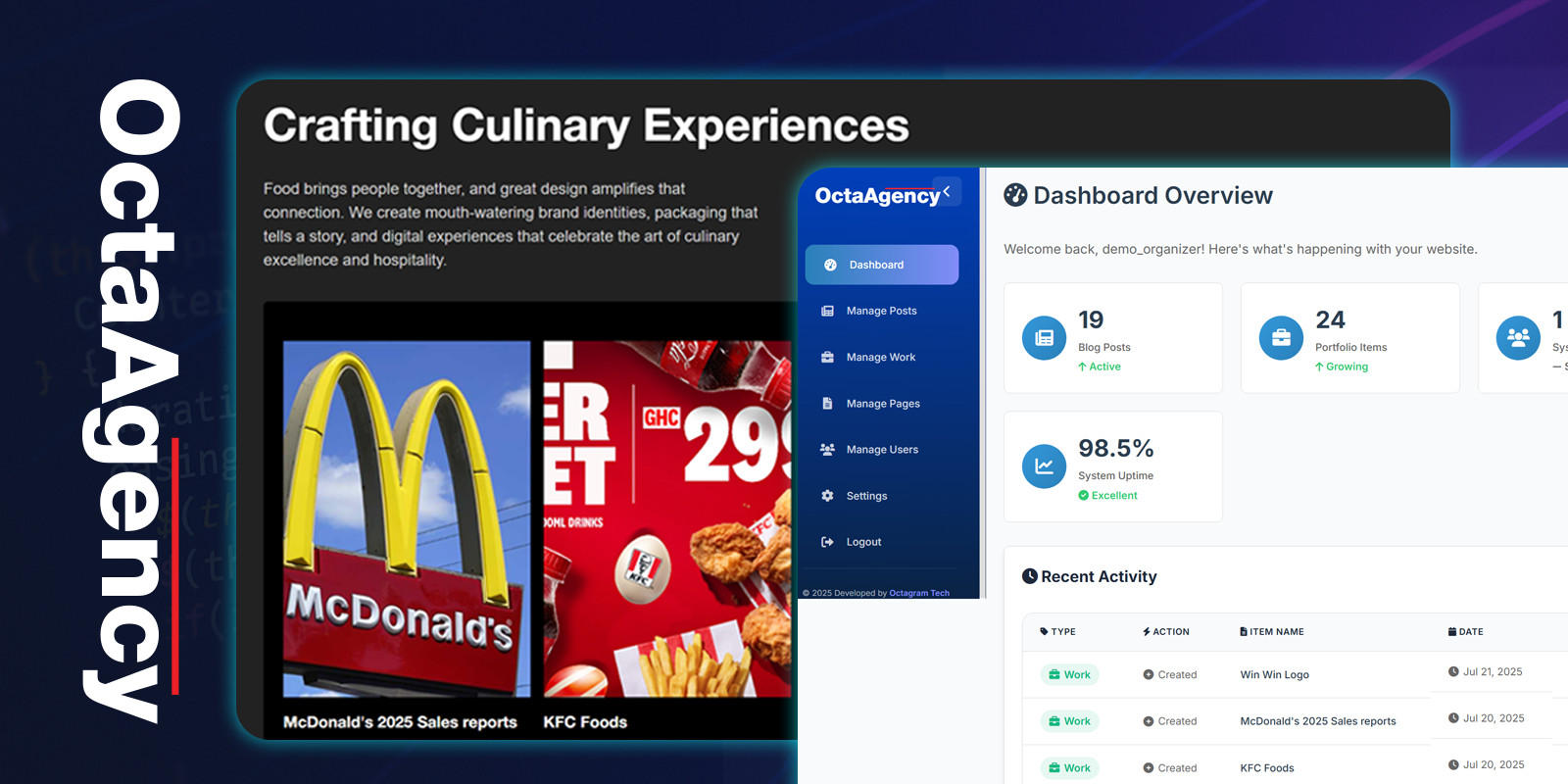
OctaAgency helps creative agencies, studios, freelancers, and SaaS teams showcase a stunning portfolio and run day-to-day operations from one place. Launch a fast, modern website with case studies, and manage clients, projects, tasks, invoices, proposals, and team collaboration—without juggling multiple tools.
Why Choose OctaAgency?
- All-in-one portfolio + agency back-office (projects, clients, billing, collaboration).
- Conversion-focused front-end with modern UI, dark/light mode, and SEO best practices.
- Built for speed: clean code, optimized queries, caching-ready, image lazy-loading.
- Scales with you: modular features you can enable/disable per your business needs.
Who Is It For?
- Creative/digital agencies and studios
- Freelancers and personal brands
- Productized service businesses and consultancies
- In-house marketing or design teams
Core Features
Showcase & Marketing
- Portfolio & Case Studies: categories, filters, tags, custom fields, video & gallery support.
- Blog/Articles: SEO-ready posts, featured images, categories, author profiles.
- Landing Sections: hero, services, testimonials, pricing, FAQs, CTA blocks.
- Leads & Forms: contact/brief forms saved to CRM with email notifications.
- SEO Tools: meta titles/descriptions, open graph, sitemap, robots, clean URLs.
CRM & Sales
- Clients & Contacts: company and person records, notes, activity timeline.
- Proposals/Quotes: templates, sections, pricing tables, send via link, accept/decline with e-signature.
- Invoices & Payments: one-off or recurring invoices, taxes, discounts, PDF export, payment gateways (Stripe/PayPal/Manual).*
- Leads Pipeline: stages, value, win probability, tasks and reminders.
Projects & Delivery
- Projects: statuses, milestones, brief, files, discussions, client portal access.
- Tasks & Kanban: boards, lists, assignees, priorities, due dates, checklists.
- Time Tracking: per task/project, timesheets, hourly billing reports.
- Files & Assets: secure uploads, versioning, preview for images/video.
Team & Operations
- Team Management: roles & granular permissions, departments, availability.
- Calendar: deadlines, events, deliverables, iCal export.
- Support Tickets: client requests, priorities, internal notes, status workflows.
- Announcements & Activity Log: keep everyone aligned and accountable.
Website & Appearance
- Theme Options: brand colors, typography, header/footer, dark/light mode.
- Page Builder Sections: reorder/hide sections, edit copy and media.
- Multi-language & RTL ready.*
Admin, Security & Performance
- User Roles: Super Admin, Admin, Staff, Client (portal), Custom roles.
- Security: CSRF protection, password hashing, 2FA.*, reCAPTCHA on forms.
- Performance: pagination, caching-ready, queue jobs for heavy tasks.*
- Backups & Logs: error logs, activity audit, backup instructions included.
*Availability may depend on your configuration and payment gateway settings. See documentation.
Demo Credentials
Access the Admin Panel
URL: your-domain.com/admin-dashboard
Default credentials:
Email: admin@example.com
Username: admin
Password: admin123
Change these after installation.
Technology Stack
- Backend: PHP (Laravel or compatible MVC)
- Frontend: HTML5, CSS3 (Tailwind/Bootstrap), JavaScript (ES6)
- Database: MySQL/MariaDB
- Other: RESTful structure, Mail (SMTP), Queue-ready*
What’s Included
- Full application source code
- Step-by-step Installation & Configuration Guide
- Sample data (optional) to get started fast
- Well-commented codebase for easy customization
Installation
- Upload files to your hosting (shared, VPS, or cPanel).
- Create a MySQL database and user; update the environment file with credentials.
- Run installation wizard or provided commands (migrations, seeders).
- Set file permissions and configure mail/payment gateways.
- Log in as Admin and customize branding, sections, and content.
Support & Documentation
- Documentation: covers install, updates, modules, and FAQs.
- Support: bug fixes, clarifications, and guidance via Envato support channel during support period.
- Customization: available as a paid service (contact us with requirements).
Changelog
v1.0.0 – Initial release
• Portfolio, Blog, CRM (Clients/Leads), Proposals, Invoices & Payments
• Projects, Tasks (Kanban), Time Tracking, Files
• Client Portal, Tickets, Calendar, SEO, Theme Options
Frequently Asked Questions
Can I disable modules I don’t need?
Yes. Most modules are optional and can be toggled from the admin area.
Does it support online payments?
Yes. Stripe and PayPal are supported out of the box. You can also record manual payments.
Is multi-language supported?
Yes. The system is translation-ready and supports RTL layouts.
Can clients log in?
Yes. Clients get a dedicated portal for invoices, proposals, projects, files, and tickets.
Is the code extensible?
Yes. The codebase follows best practices and is easy to extend with custom modules.
Licensing Note
Please choose the correct license type based on your usage (single end product or extended). If you’re unsure, check licensing guide.
Keywords
agency management, portfolio system, CRM, proposals, invoices, payments, client portal, project management, tasks, time tracking, ticketing, calendar, SEO, blog, landing page, Laravel, PHP, MySQL, creative agency, studio, freelancer