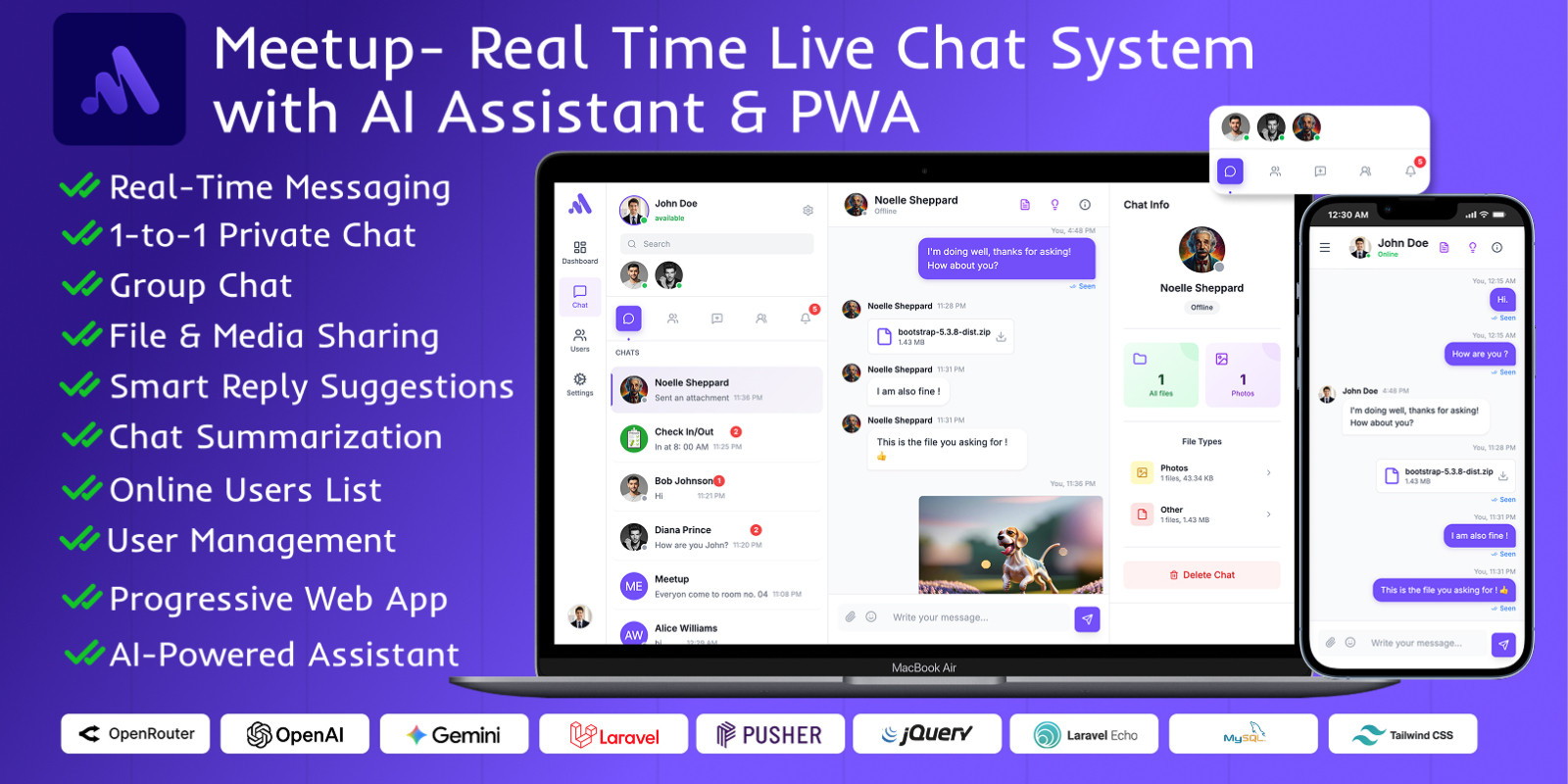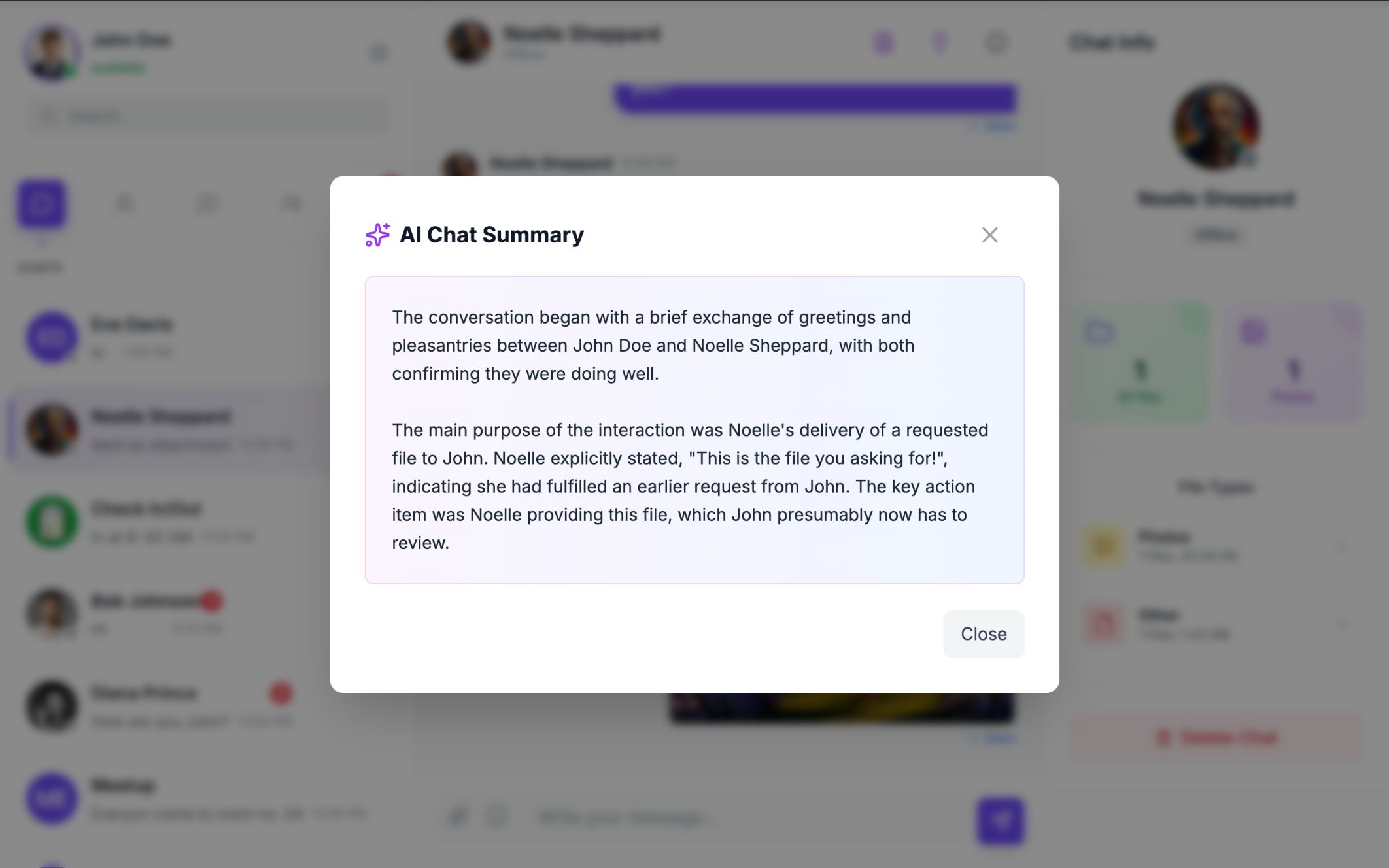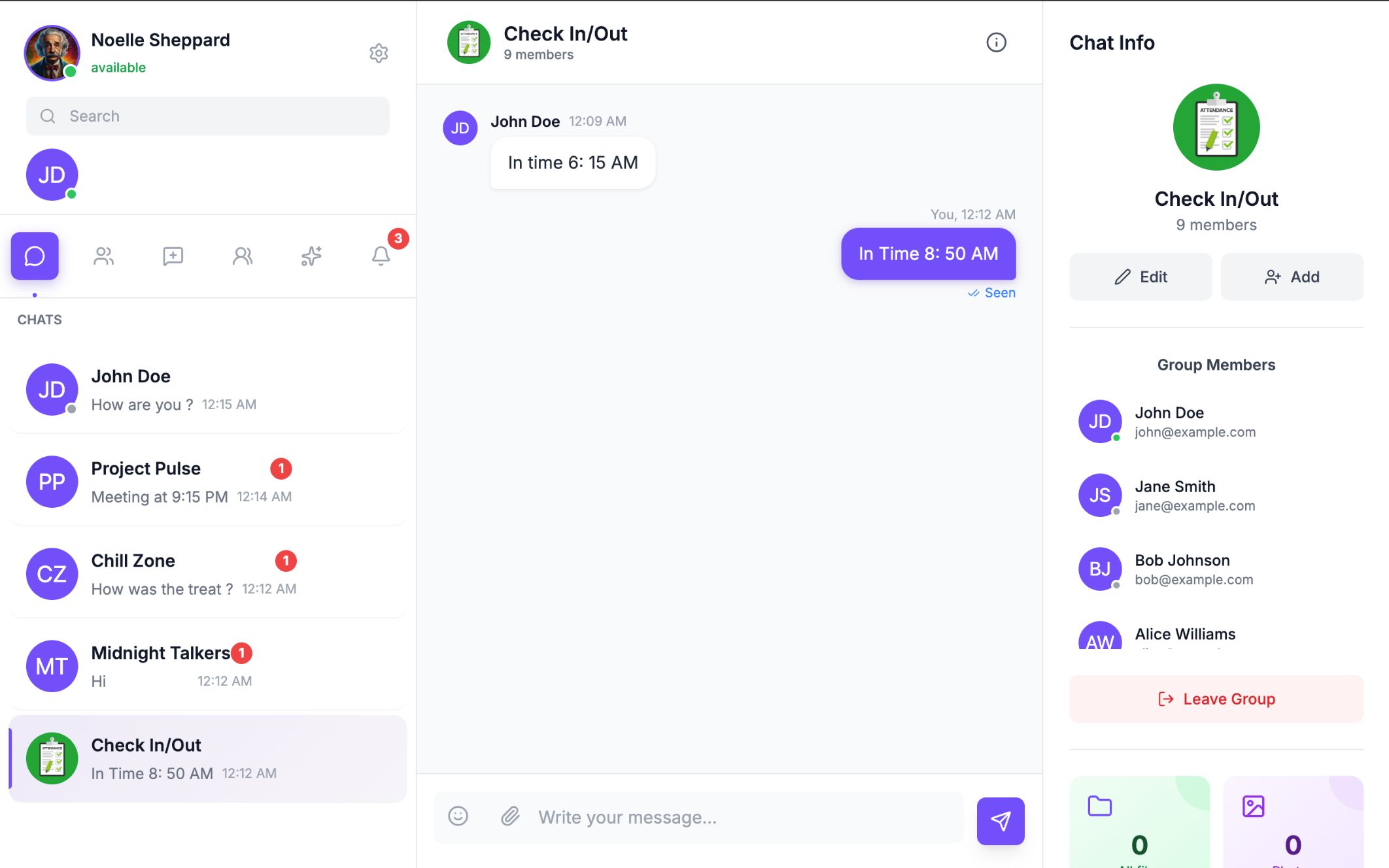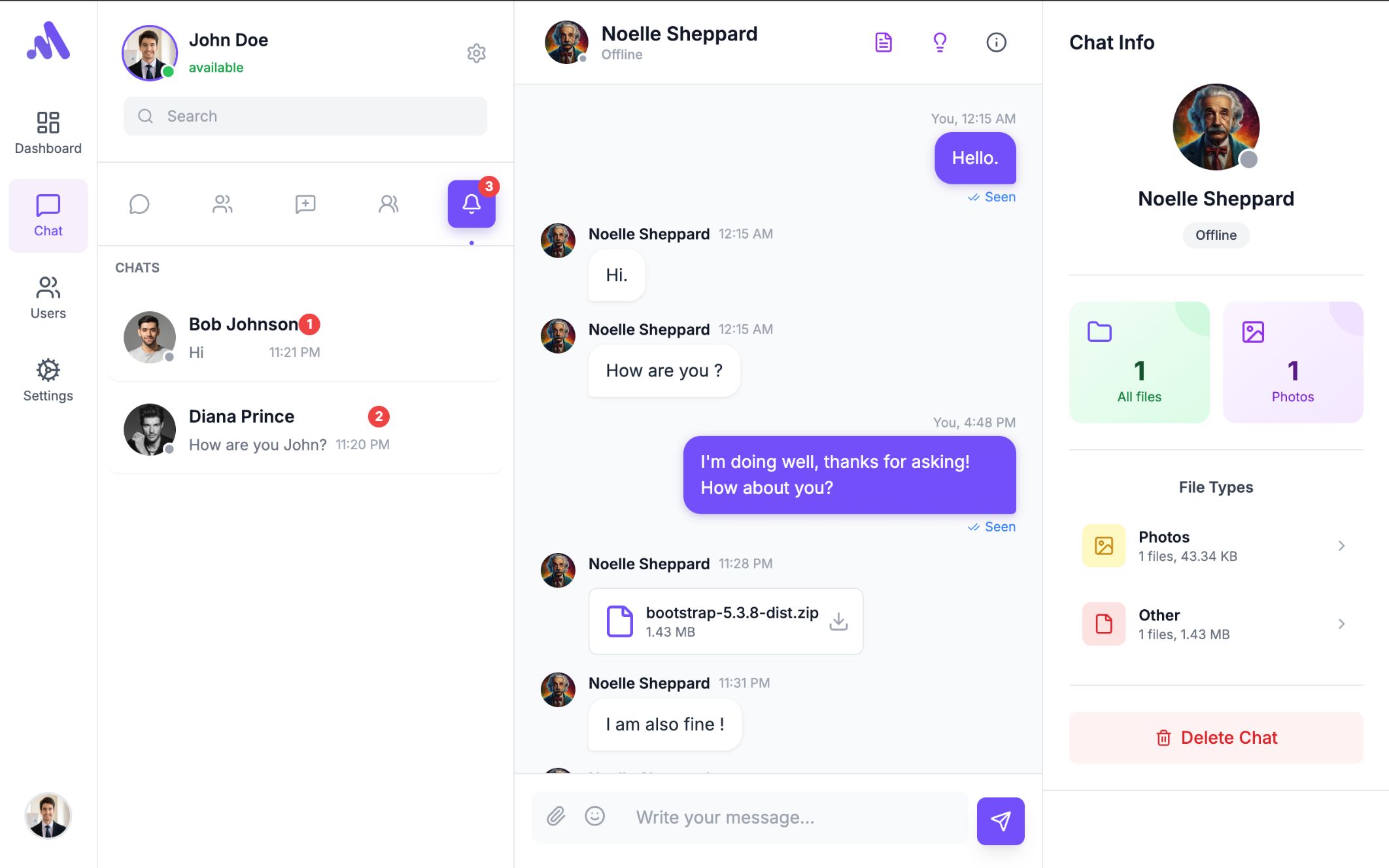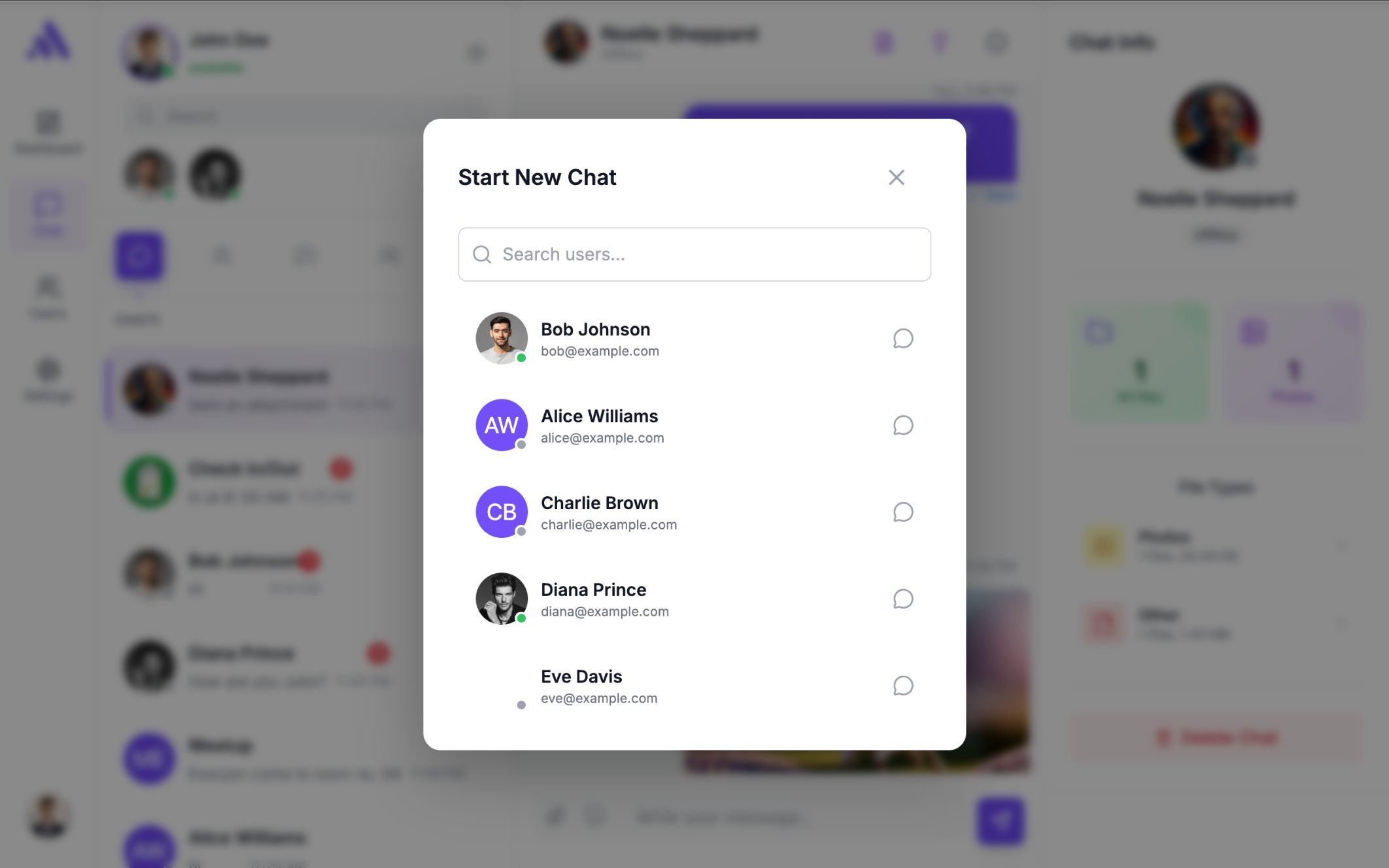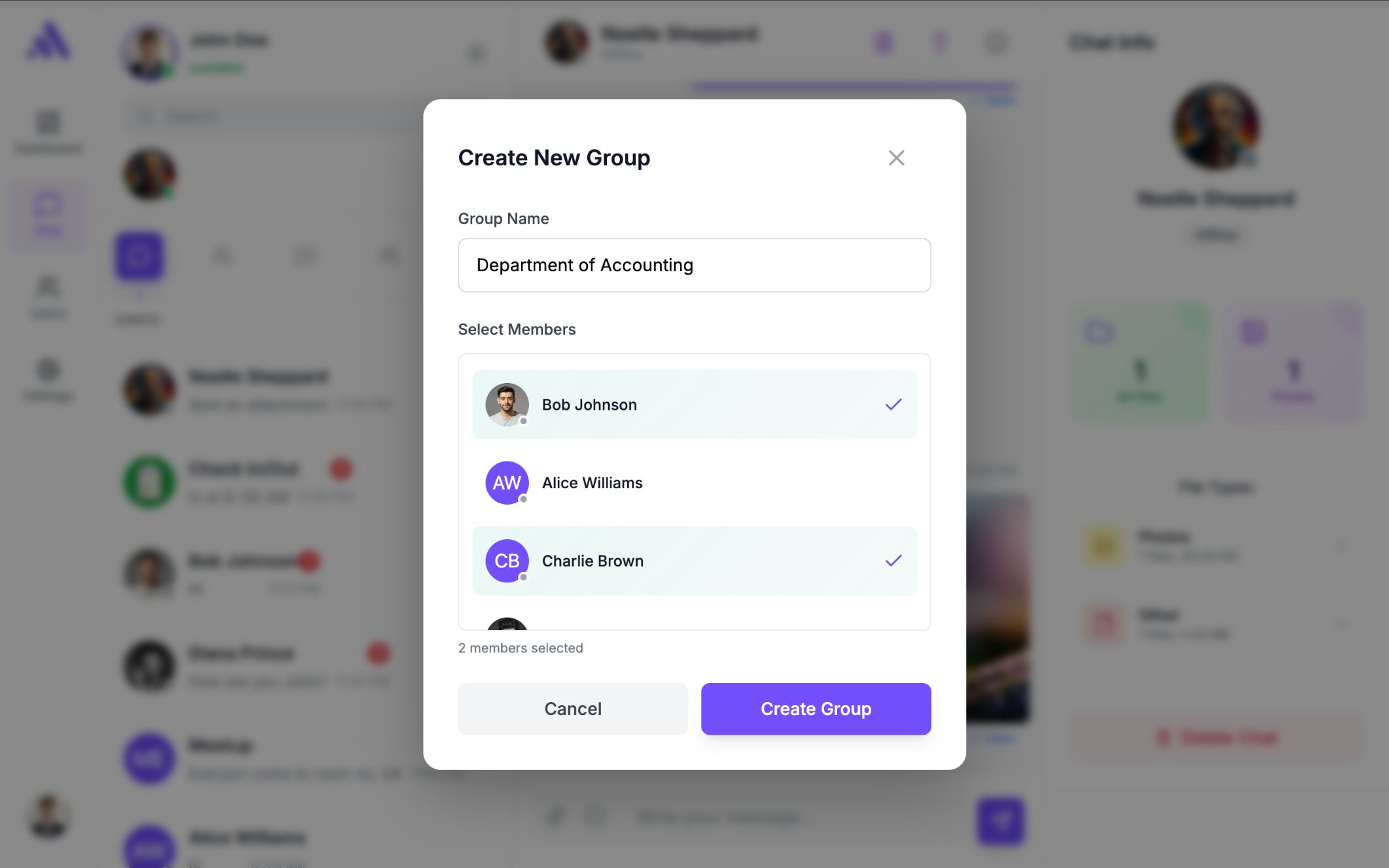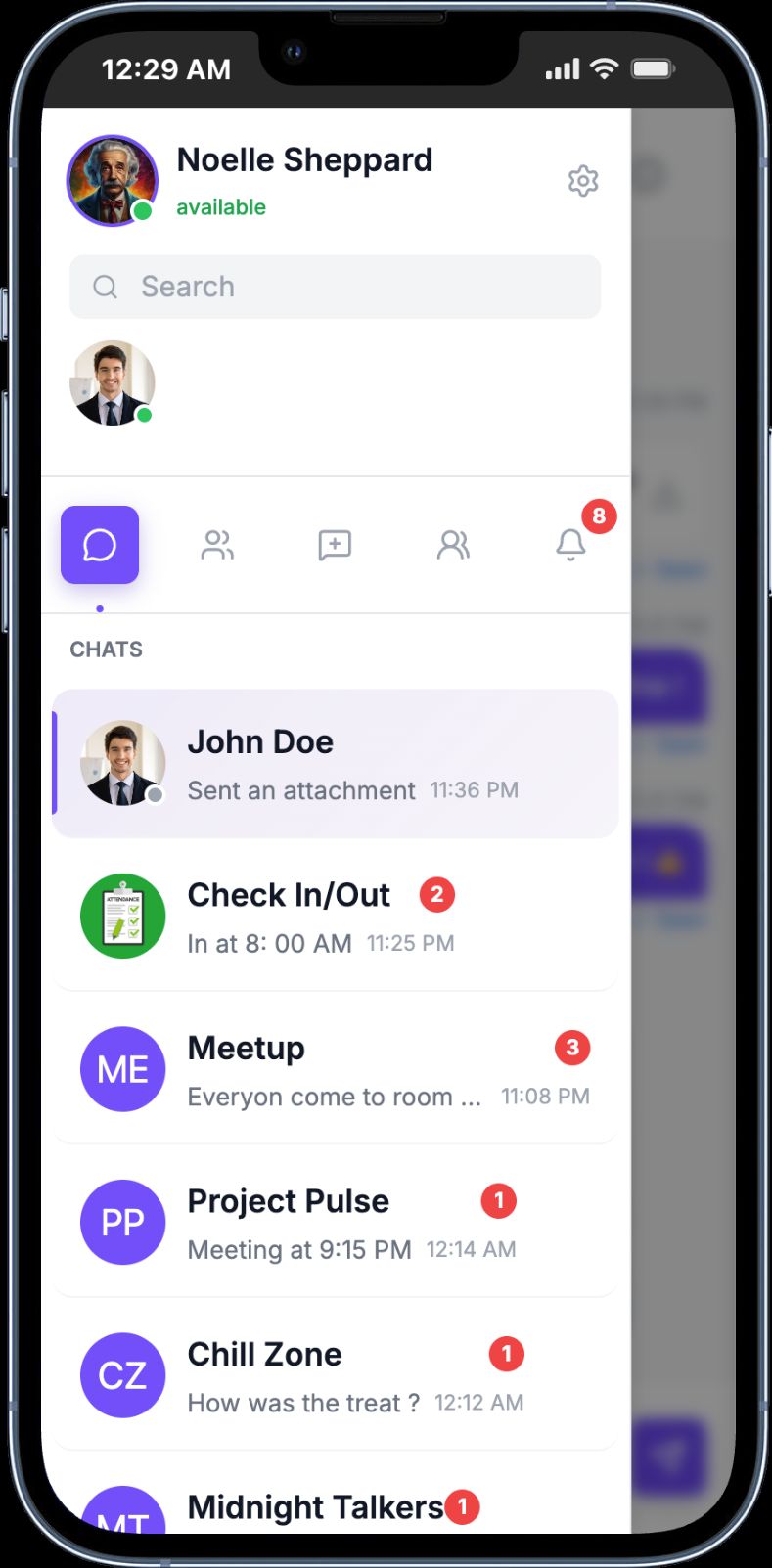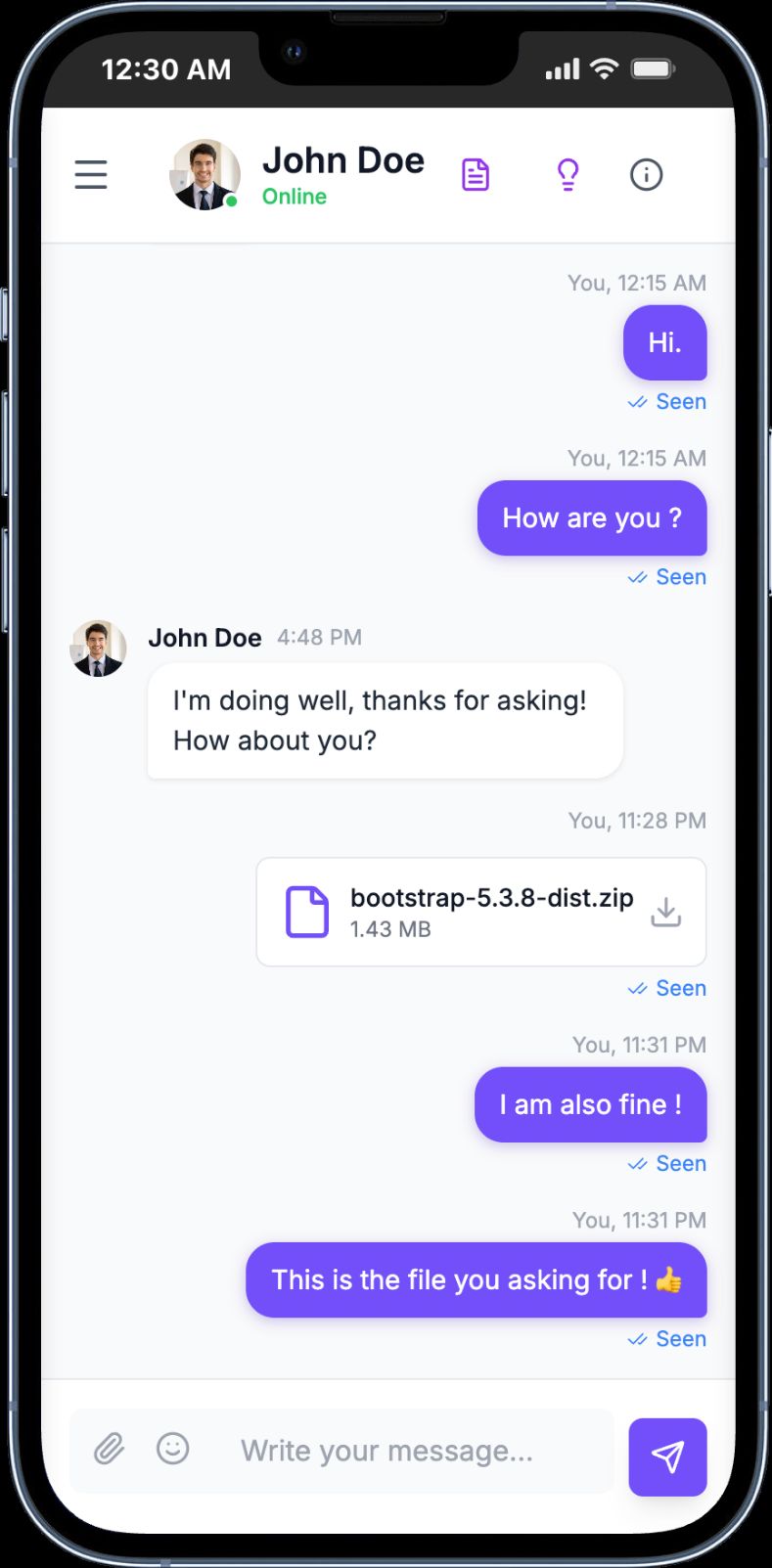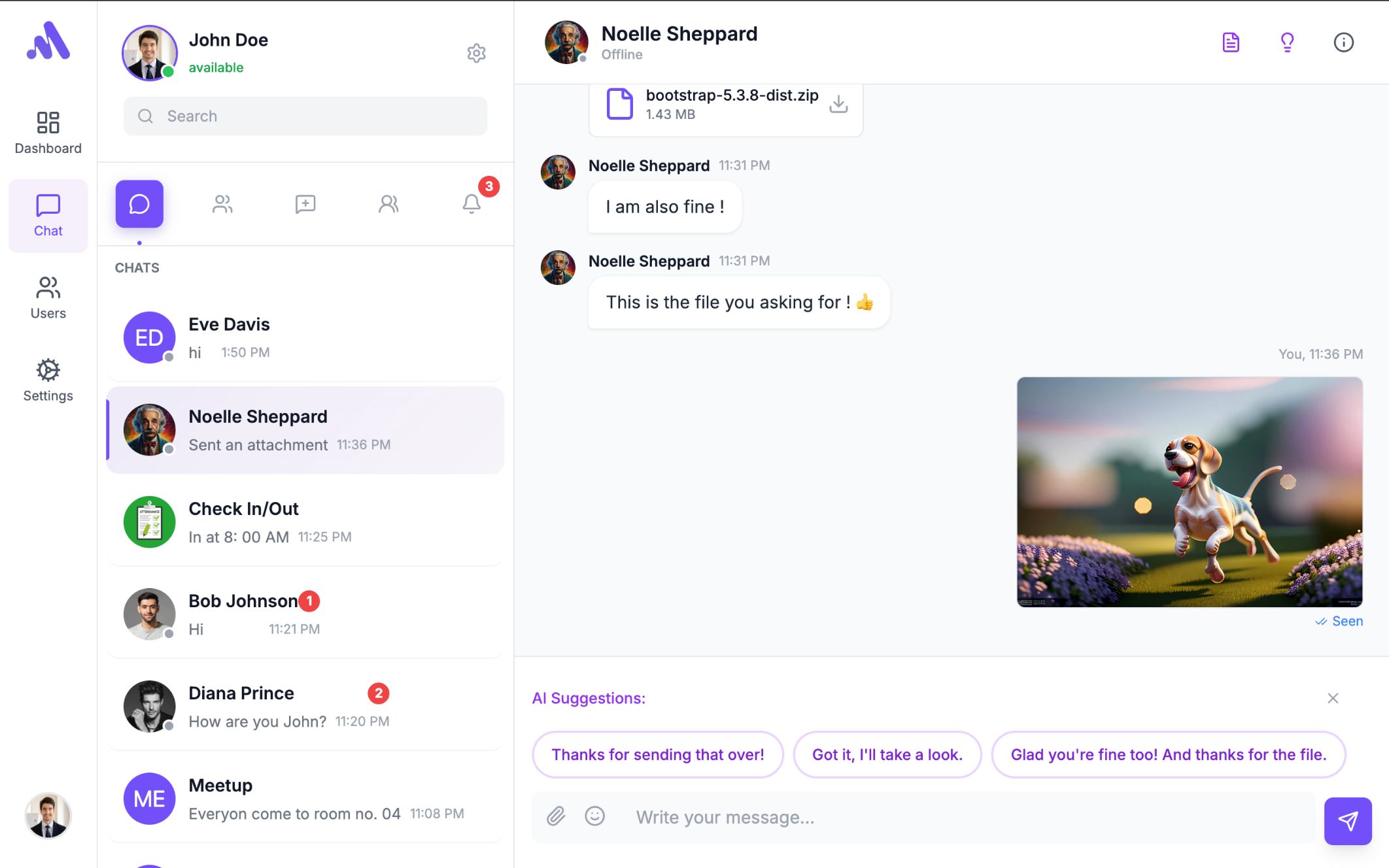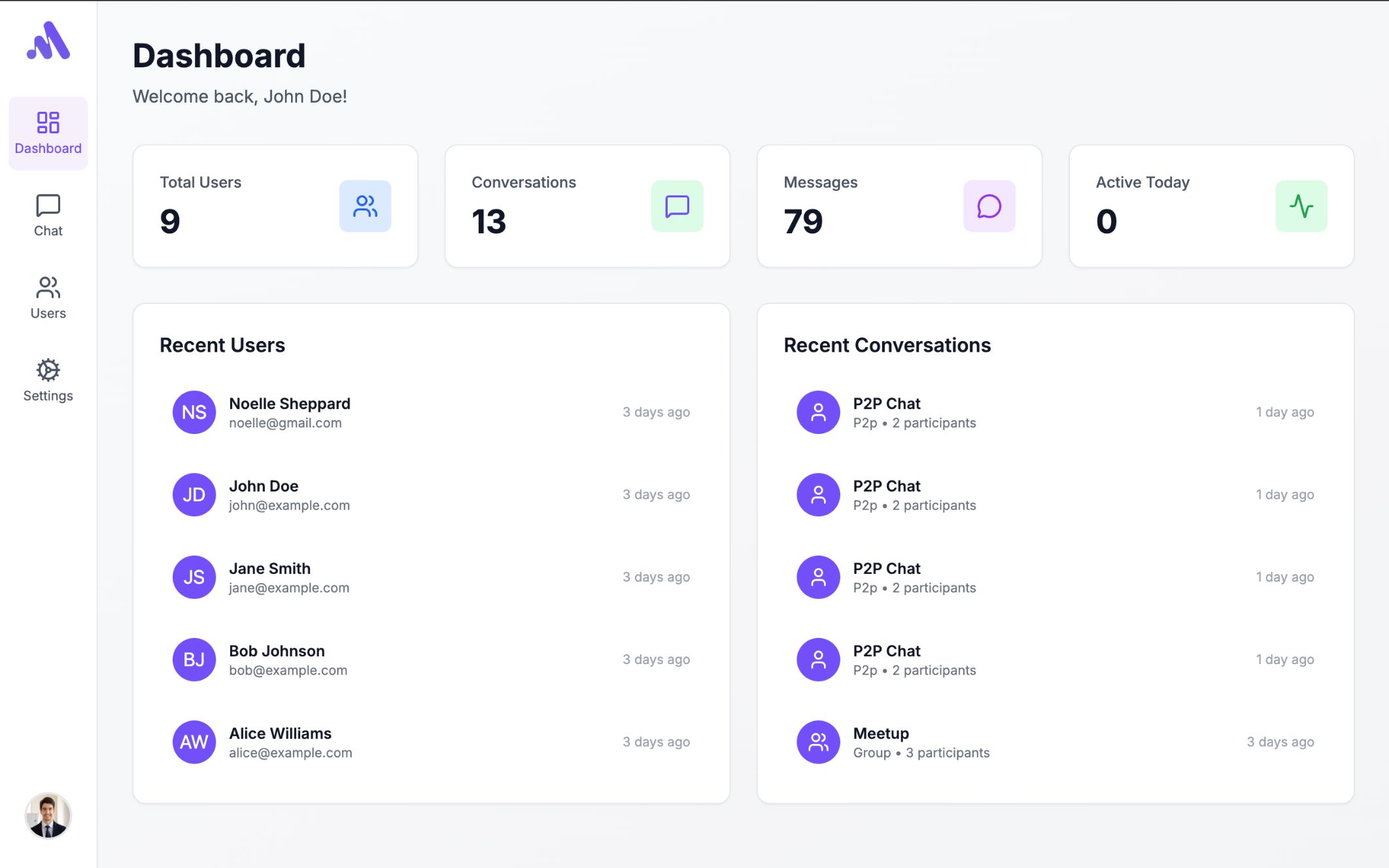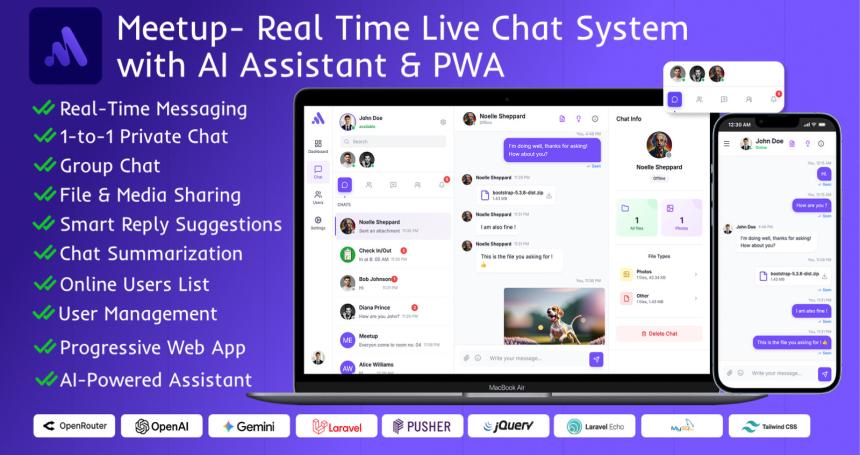
Meetup is a modern, real-time live chat application built with Laravel 12, Tailwind CSS, and real-time broadcasting. It seamlessly integrates AI-powered assistants using API-compatible AI providers, enabling smart reply suggestions, chat summarization, and an intelligent chatbot experience.
Whether you need a standalone chat platform or a communication module for your existing Laravel project, Meetup delivers a premium, scalable, and user-friendly solution with a clean, modern interface.


View the live demo to explore all features:
Demo URL: https://meetup.winxlab.com


.env fileDetailed step-by-step installation instructions are included in the documentation.
Meetup focuses on performance, scalability, and developer-friendly architecture. The codebase follows Laravel best practices, is well-structured, and easy to customize. The UI is responsive, clean, and optimized for both desktop and mobile devices.
Launch your own AI-powered real-time chat platform in minutes.
This item is licensed under the Envato Regular License. One license is required per domain or end product.
Key Future
------------------------
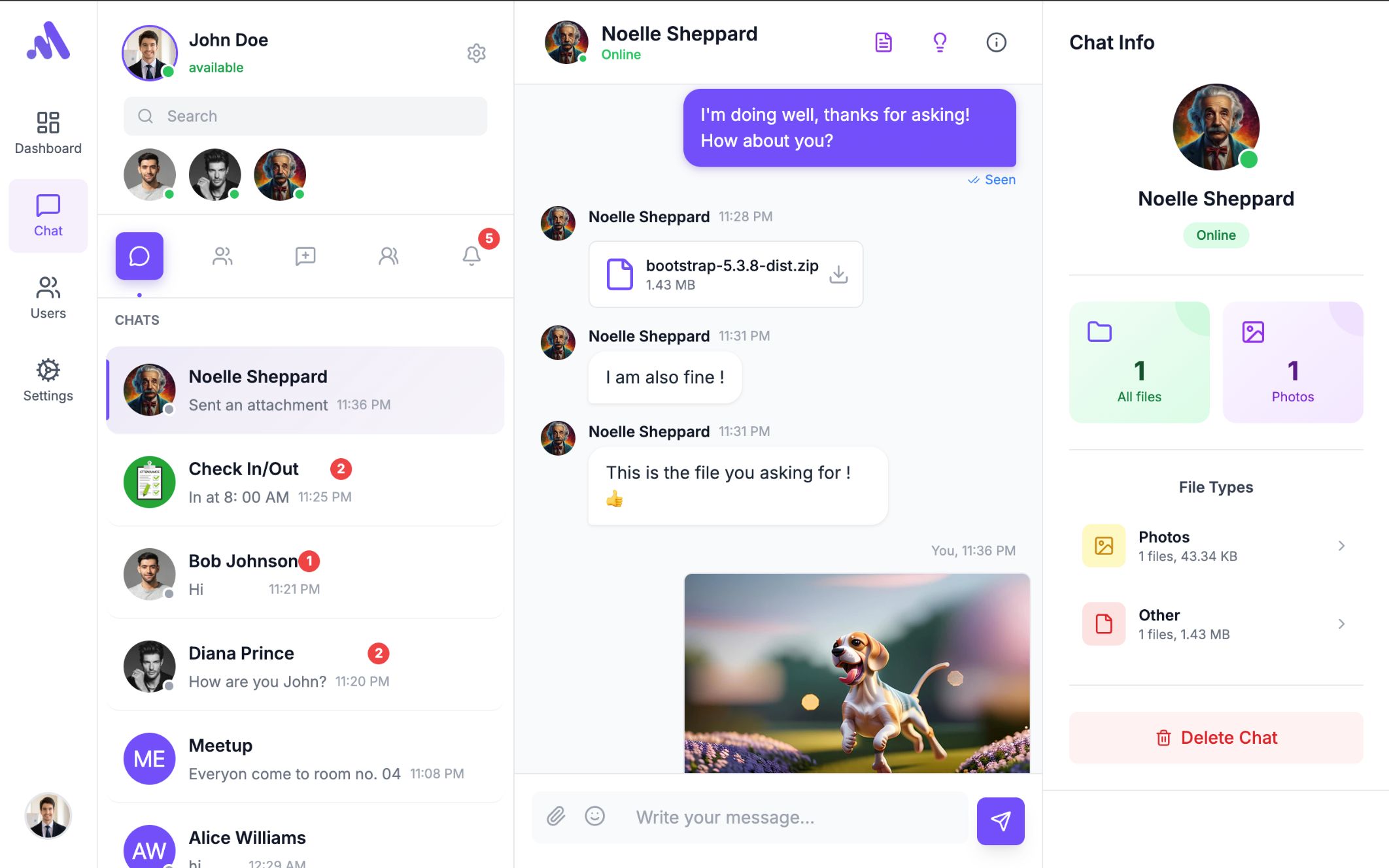
- One-to-one private chat functionality
- Group chat support
- Real-time messaging using Pusher / LaravelEcho
- Online / offline user status
- Typing indicator
- Message read / seen indicators
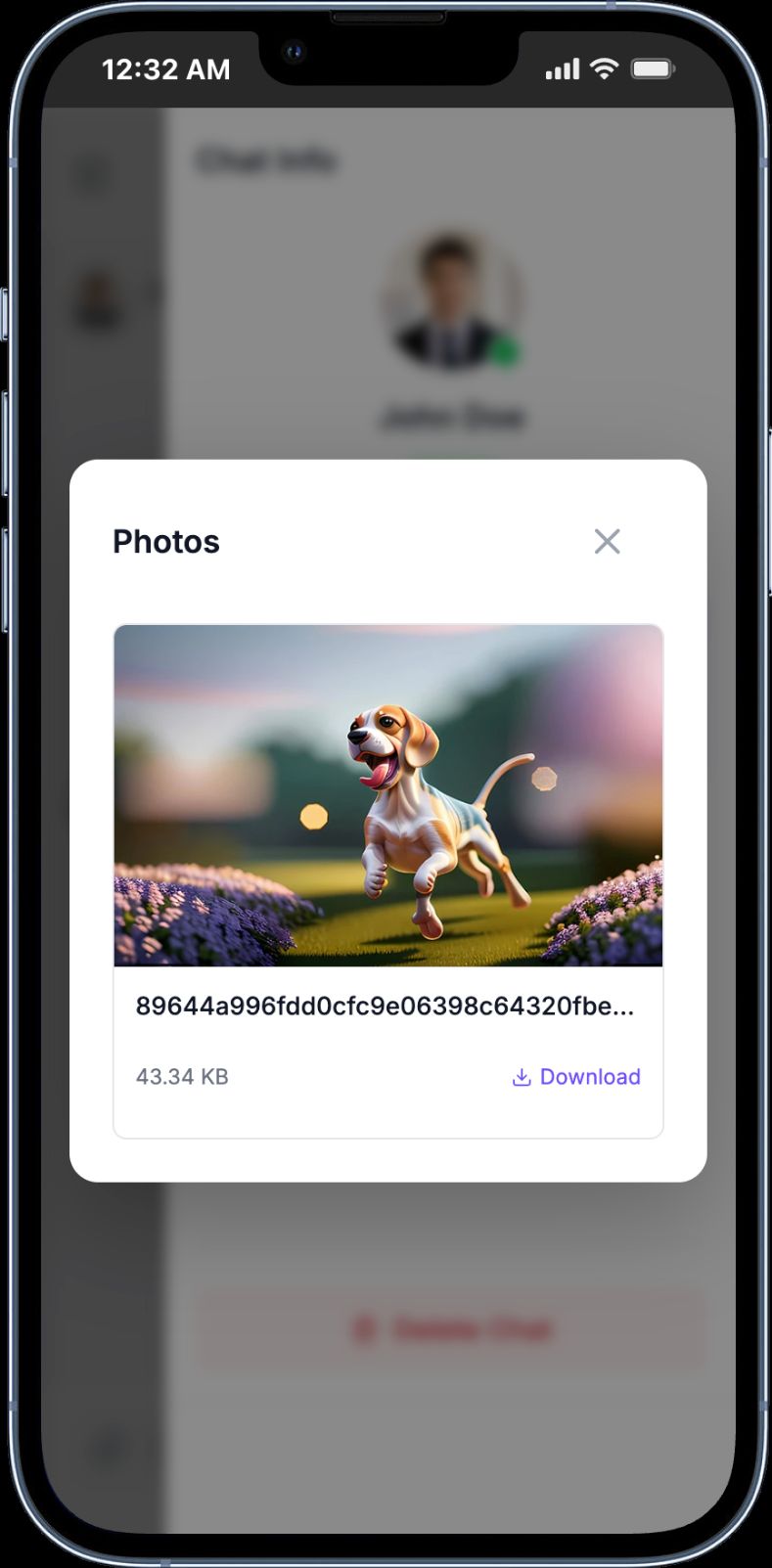
- File and image sharing in chats
- Emoji support
- Chat user search
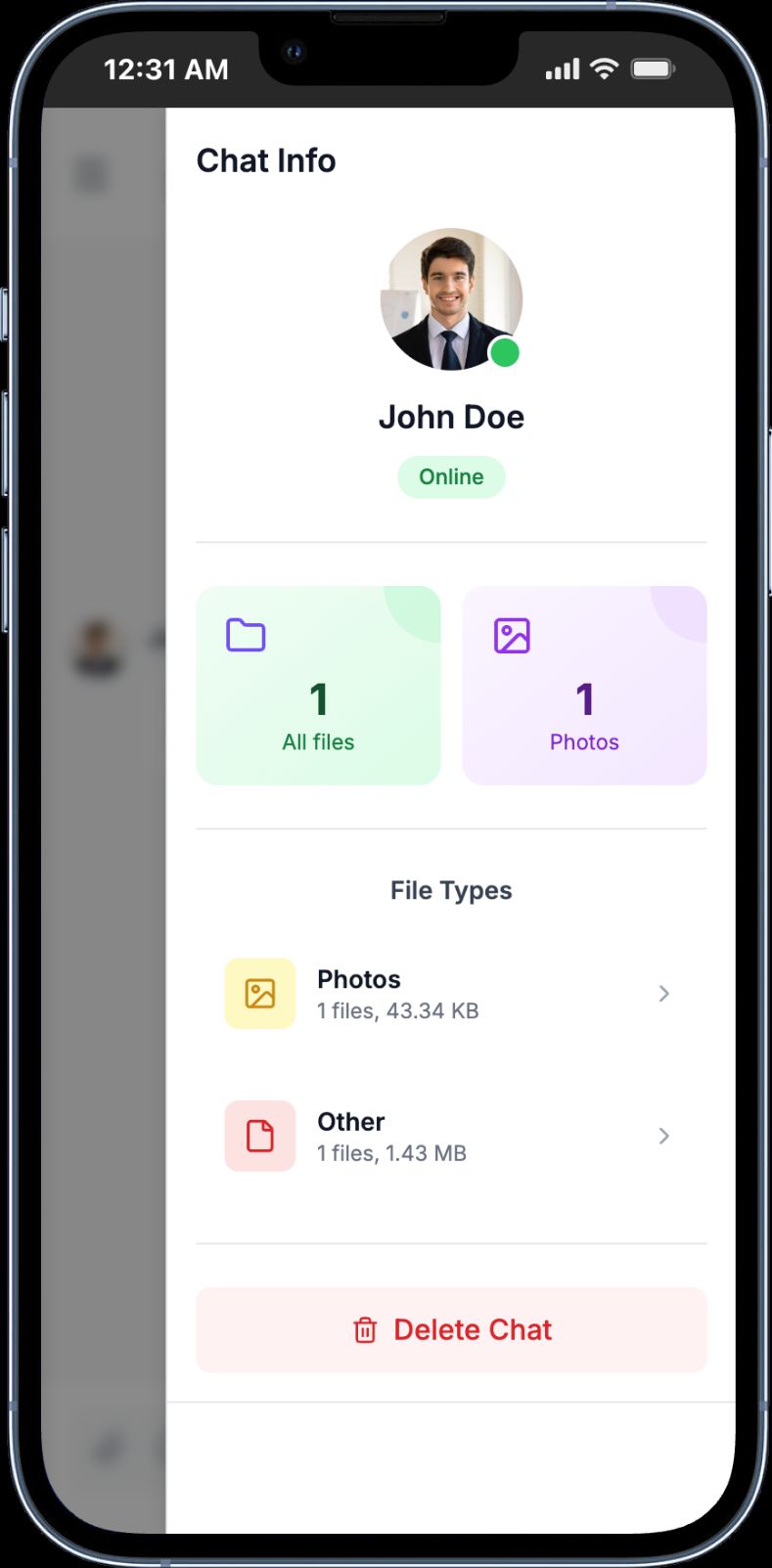
- Chat details panel (shared files & images count)
- AI Assistant:
- Summarize last 50 messages
- Smart chat insights
- Progressive Web App (PWA) support
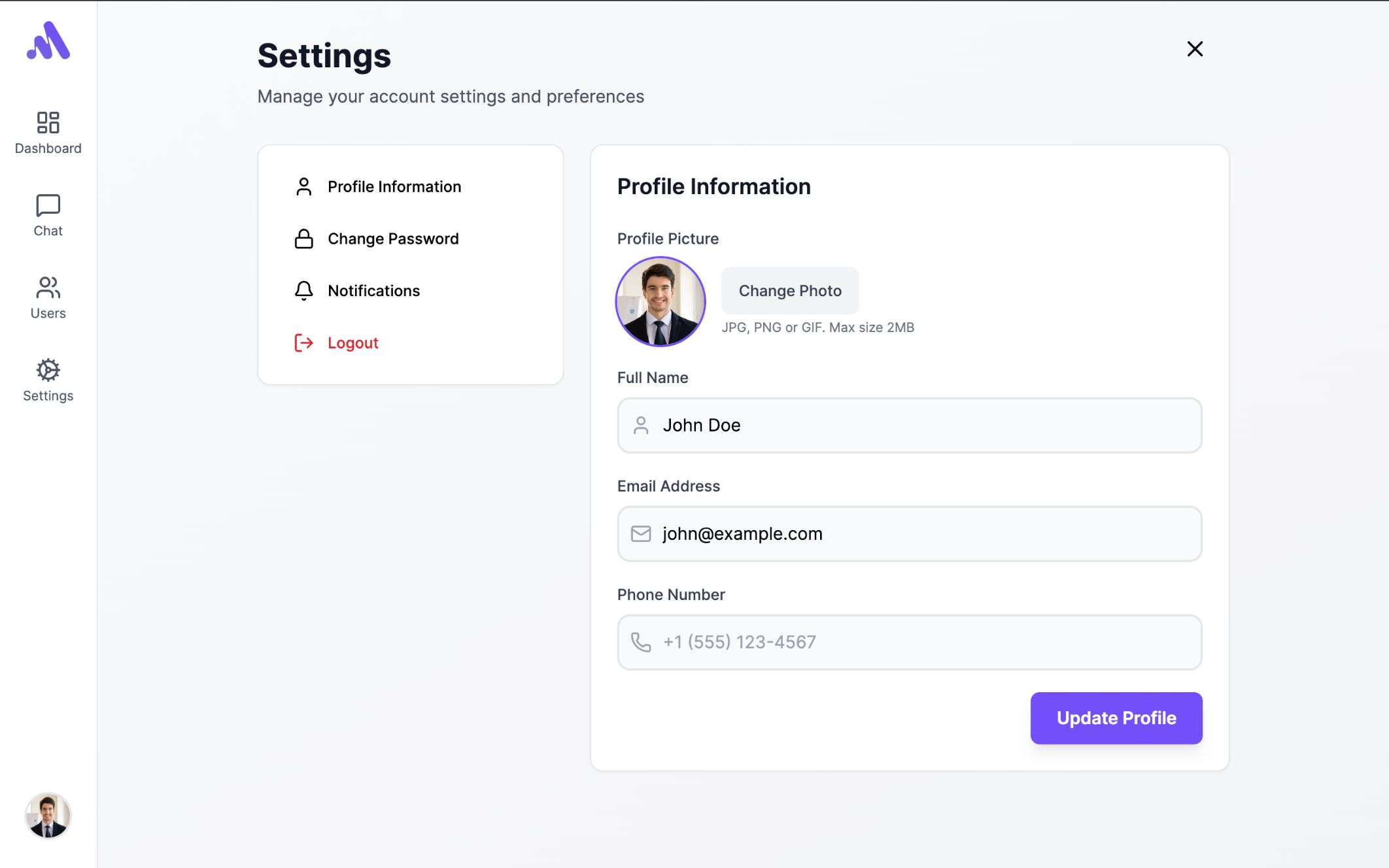
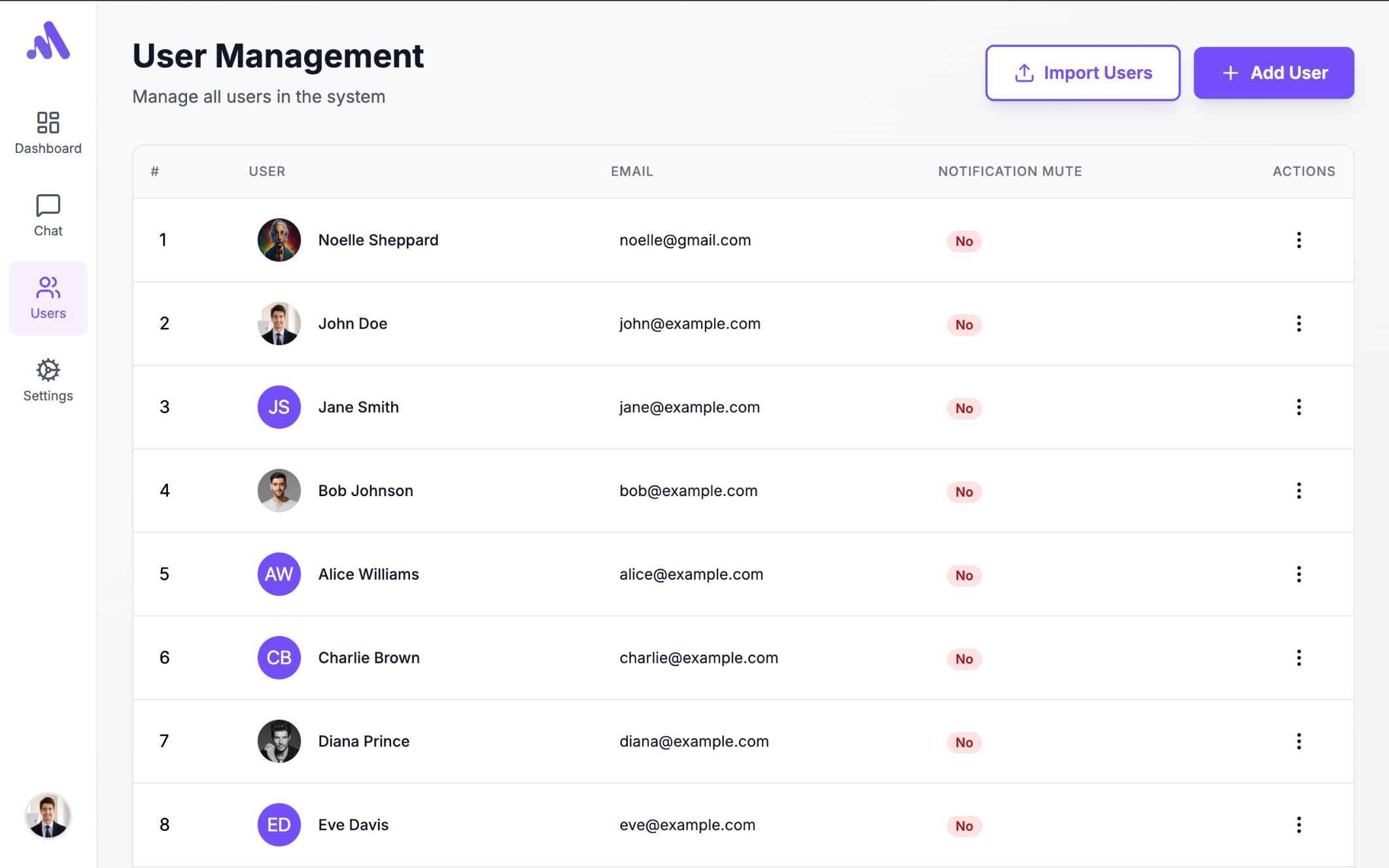
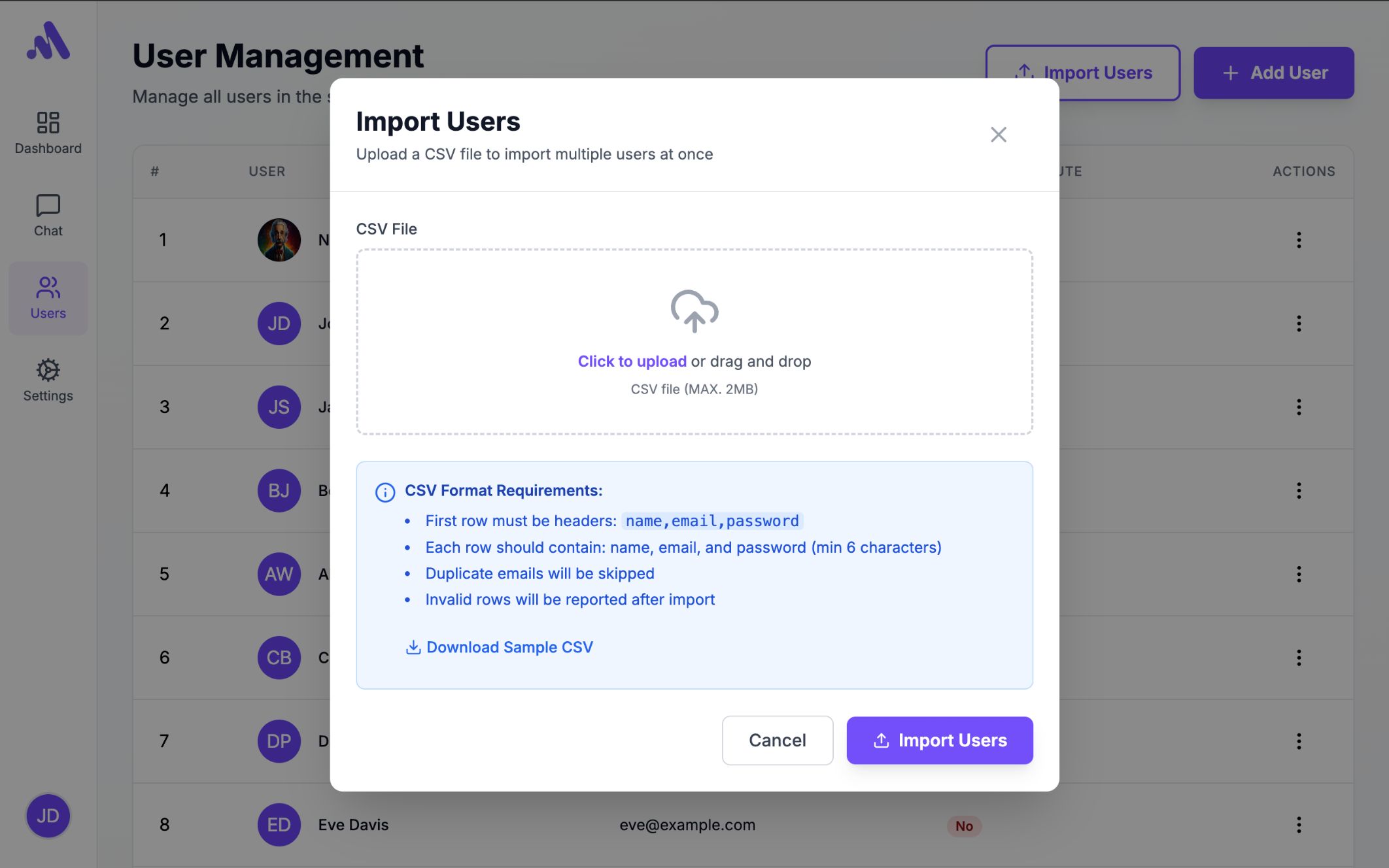
- User roles and permissions
- Secure authentication system
------------------------------------------------
Future Updates (Planned)
------------------------
- Dark / Light mode
- Multi-language support
- Discord Integration
- RTL layout support
- Voice message support
- Push notifications
------------------------------------------------
SYSTEM REQUIREMENTS
------------------------------------------------
- PHP >= 8.2
- Laravel >= 12.x
- MySQL >= 5.7 / MariaDB
- Composer
- Node.js & NPM (for frontend assets)
- Pusher
------------------------------------------------
INSTALLATION OVERVIEW
------------------------------------------------
1. Upload the project files to your server
2. Create a database
3. Configure `.env` file using `.env.example`
4. Run the following commands:
composer install
php artisan key:generate
php artisan migrate --seed
npm install (Optional)
npm run build (Optional)
5. Visit the application URL and log in
(Default login credentials are provided in the documentation)